Video Detail
A page that brings together all information about a video: timestamps, collaborators, guests, games played, songs sung, tags, description, and related clips.
1Open a video detail page
Click a video card from the video list or member page to open its detail page.
2Page layout
Below the thumbnail, title, member name, and stream date, information is organized into sections.
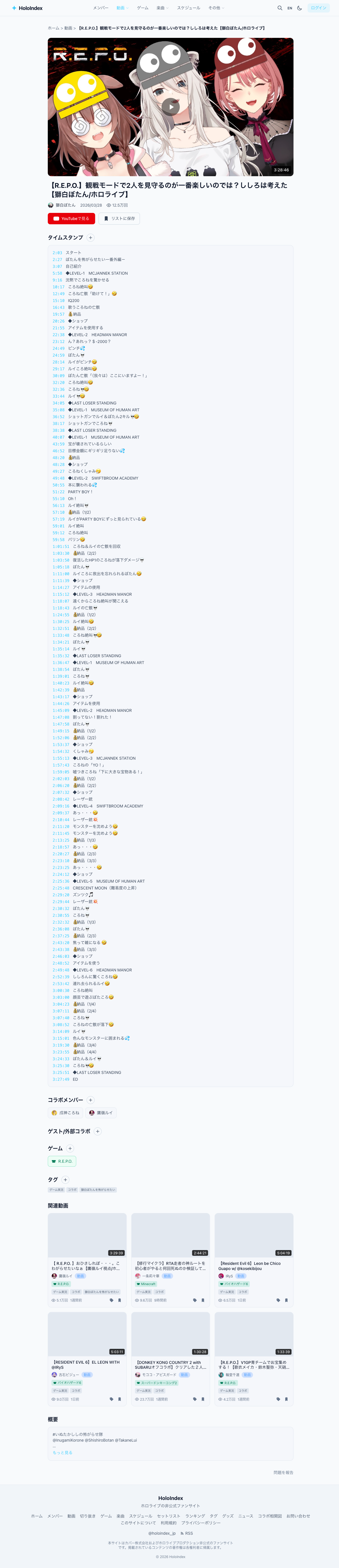
3Timestamps
Key moments and topic changes are listed with timestamps. Click to jump to that position on YouTube.
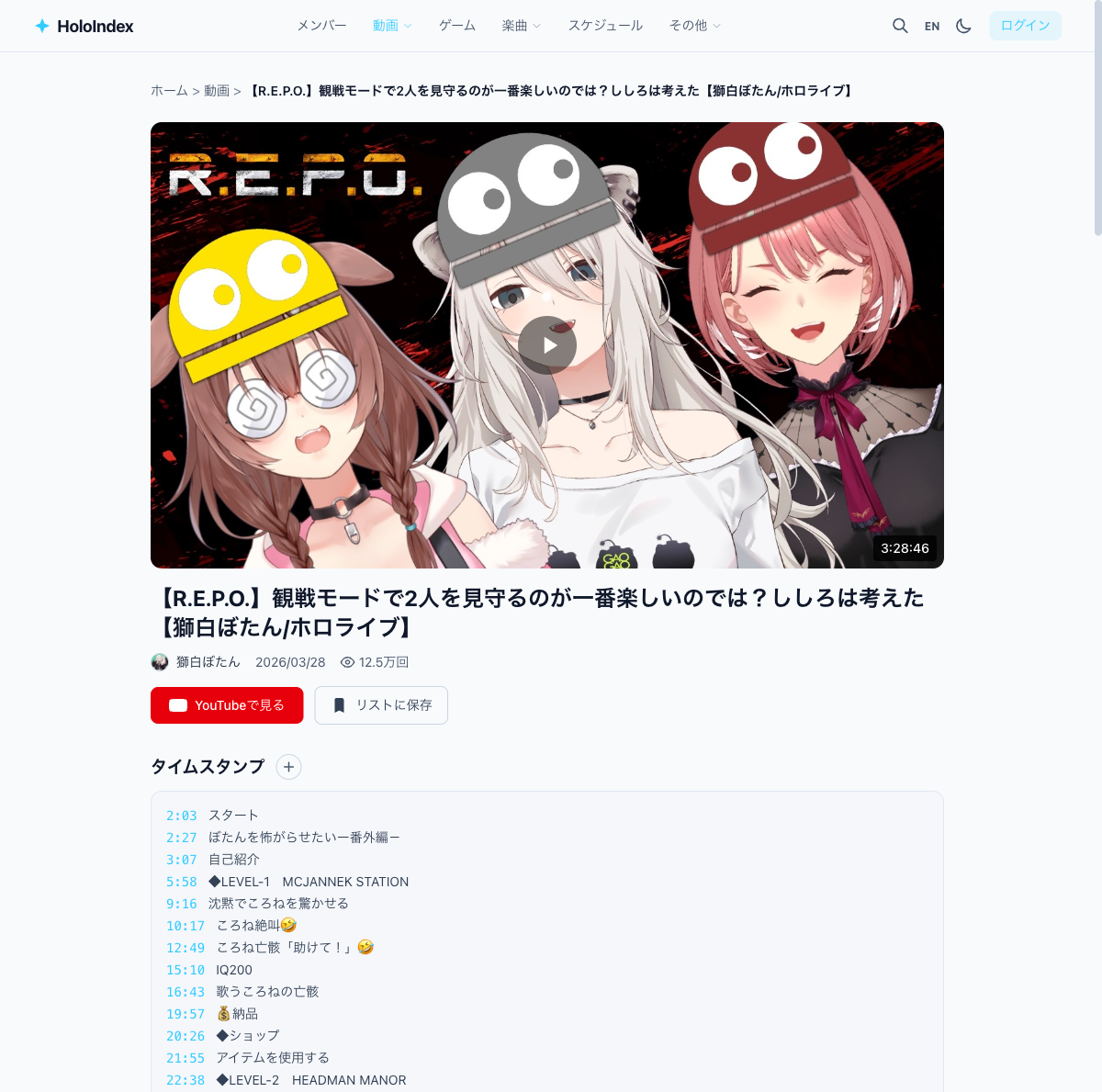
Editing timestamps
After logging in, you can add or edit timestamps (no admin approval needed). If you find a video missing timestamps, please add them.
4Collaborators & Guests
Collaborating members and guests are shown. Click a member icon to visit their page.
Suggest collabs & guests
After logging in, suggest collaborators (admin approval) or register guest names (immediate). Please suggest if members are missing from collab videos.
5Games
Games played in the stream are shown. Click a game to see other members who streamed it.
Suggest games
After logging in, suggest game links (admin approval). Please suggest if a game stream has no game linked.
6Songs & Setlist
For karaoke streams, the setlist is shown with timestamps. For MV or cover videos, song information is displayed.
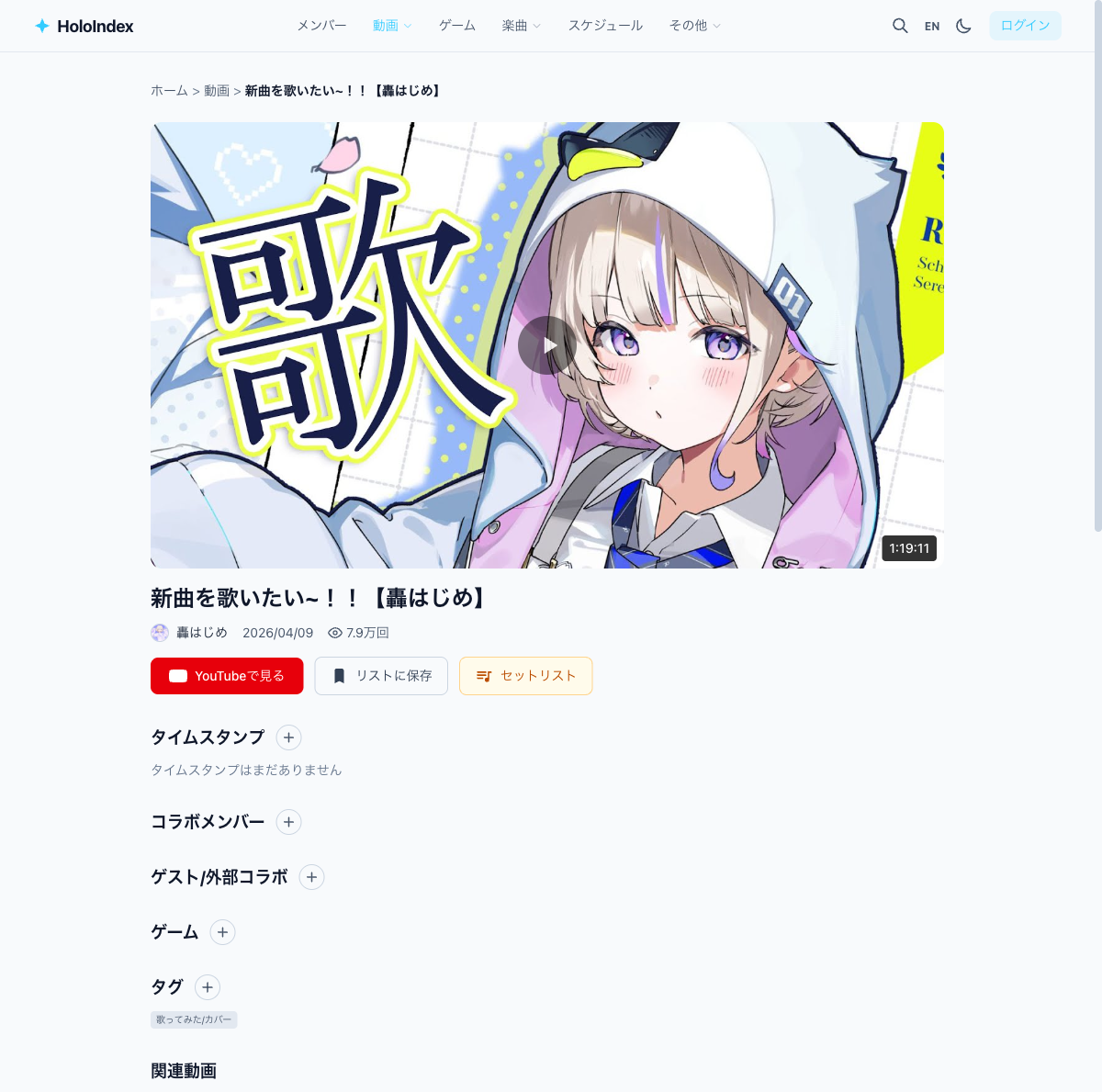
7Tags, Description & Clips
At the bottom, you'll find tags, the YouTube description text, and related clips for this video.
- • Tags — Category tags like "karaoke" or "chat". Logged-in users can add tags
- • Description — The YouTube description text
- • Clips — Clips created from this video