HoloRadio
A continuous player for setlists and songs. Add your favorite setlists to the queue and enjoy them all at once.
1Add a setlist to the queue
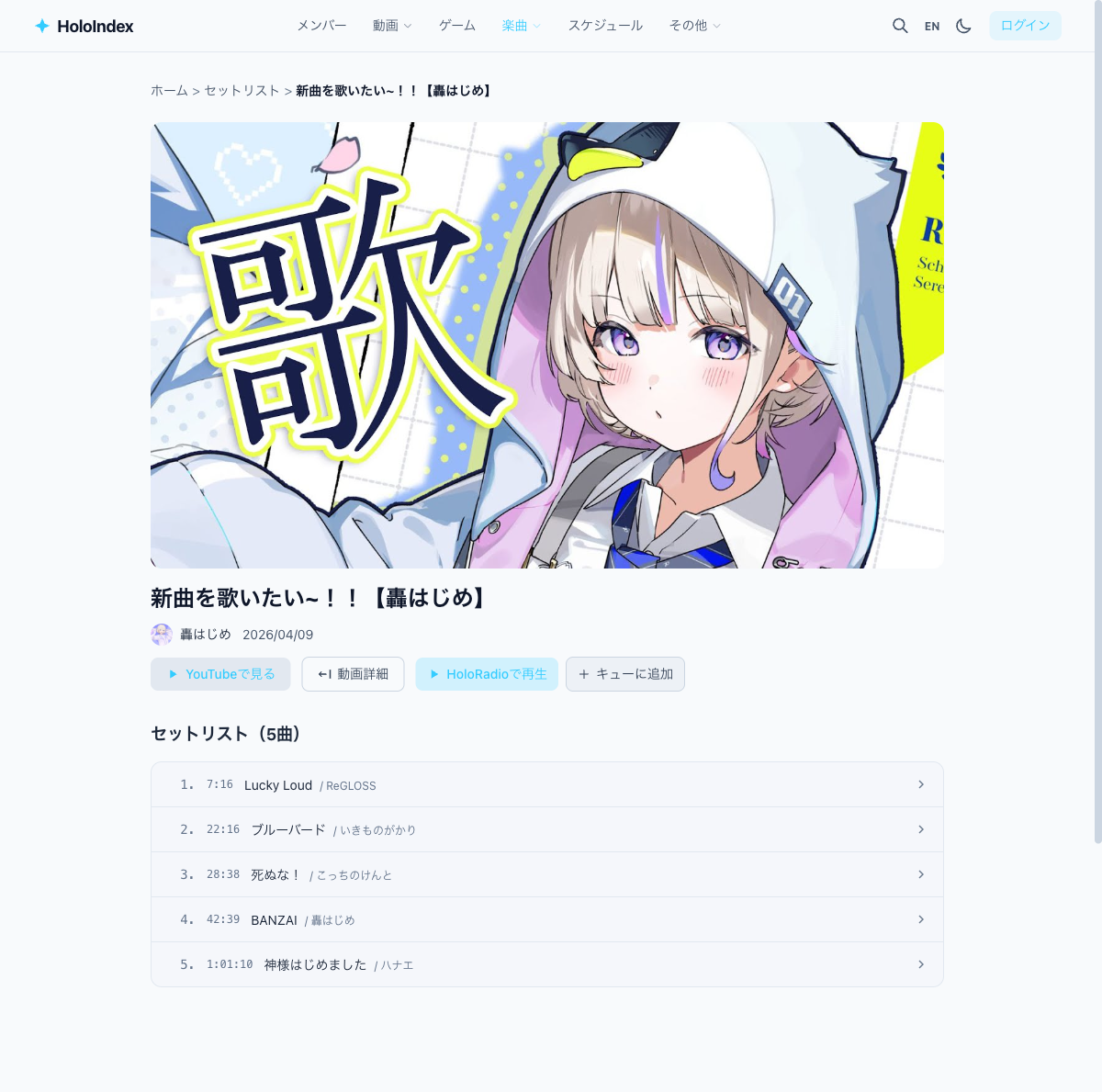
Click the "Play on HoloRadio" button on a setlist detail page to add all songs to the queue and navigate to HoloRadio.
2Use the player
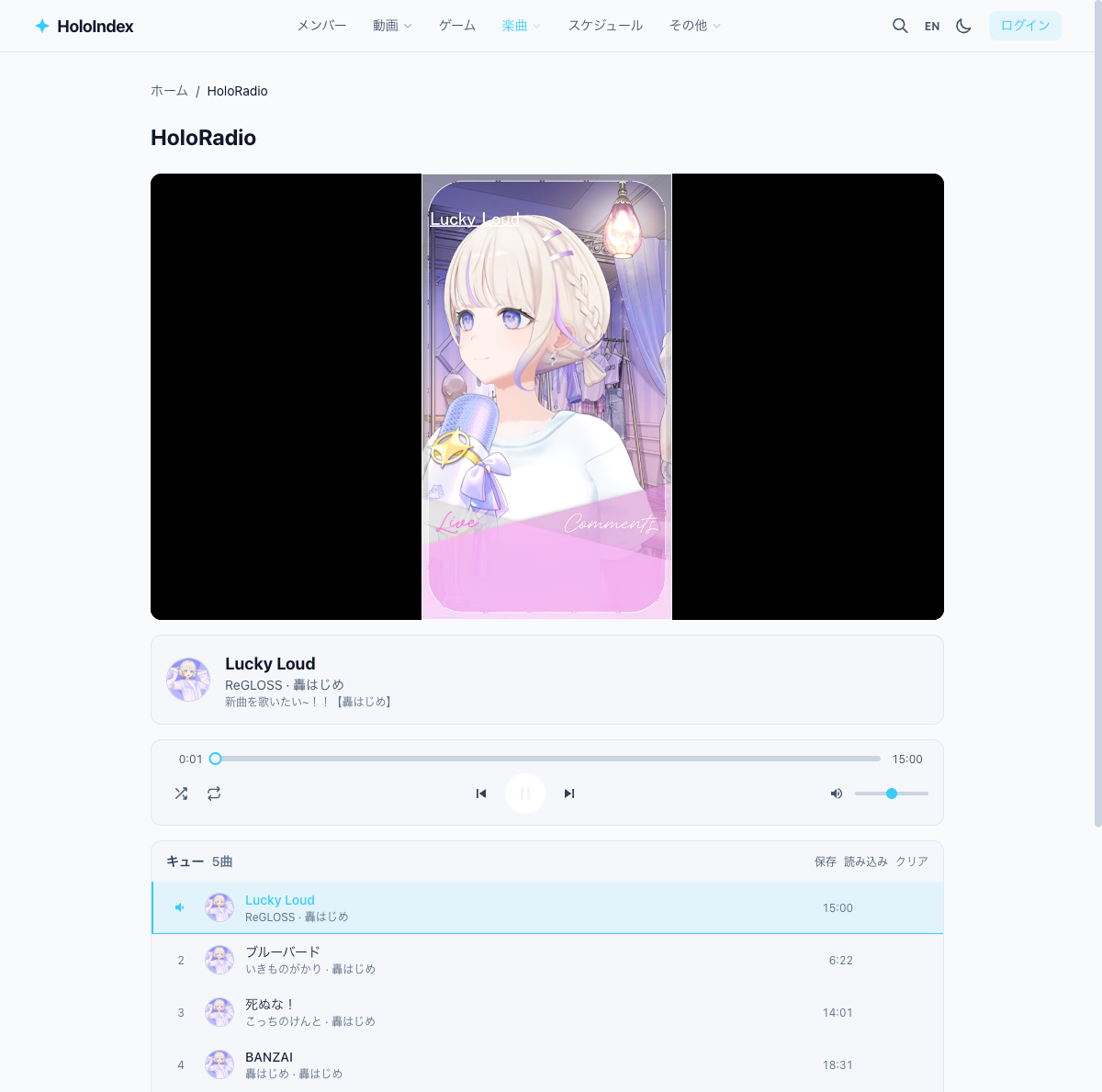
The HoloRadio page plays songs via an embedded YouTube player. When a song ends, it automatically moves to the next one.
3Manage the queue
The queue is shown below the player. Click a song to jump to it. You can add multiple setlists to the queue.
4Save and share playlists
Logged-in users can save favorite songs as playlists (up to 20 playlists, 200 songs each). Set a playlist to "public" to share it via URL.
5Access HoloRadio directly
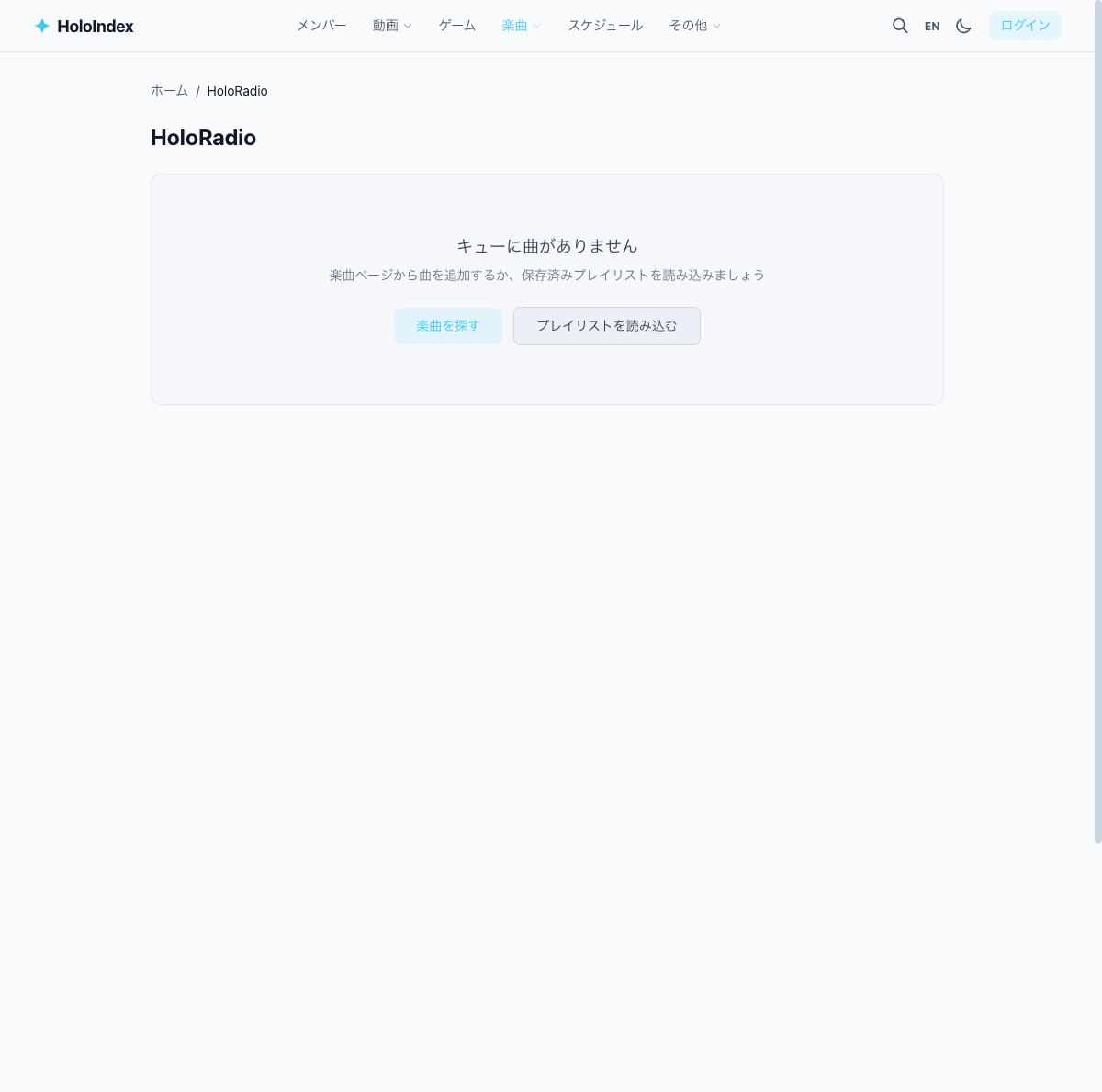
You can also access HoloRadio directly from Header "Songs" ▼ → "HoloRadio". If the queue is empty, links to setlists and playlists are shown.