Members
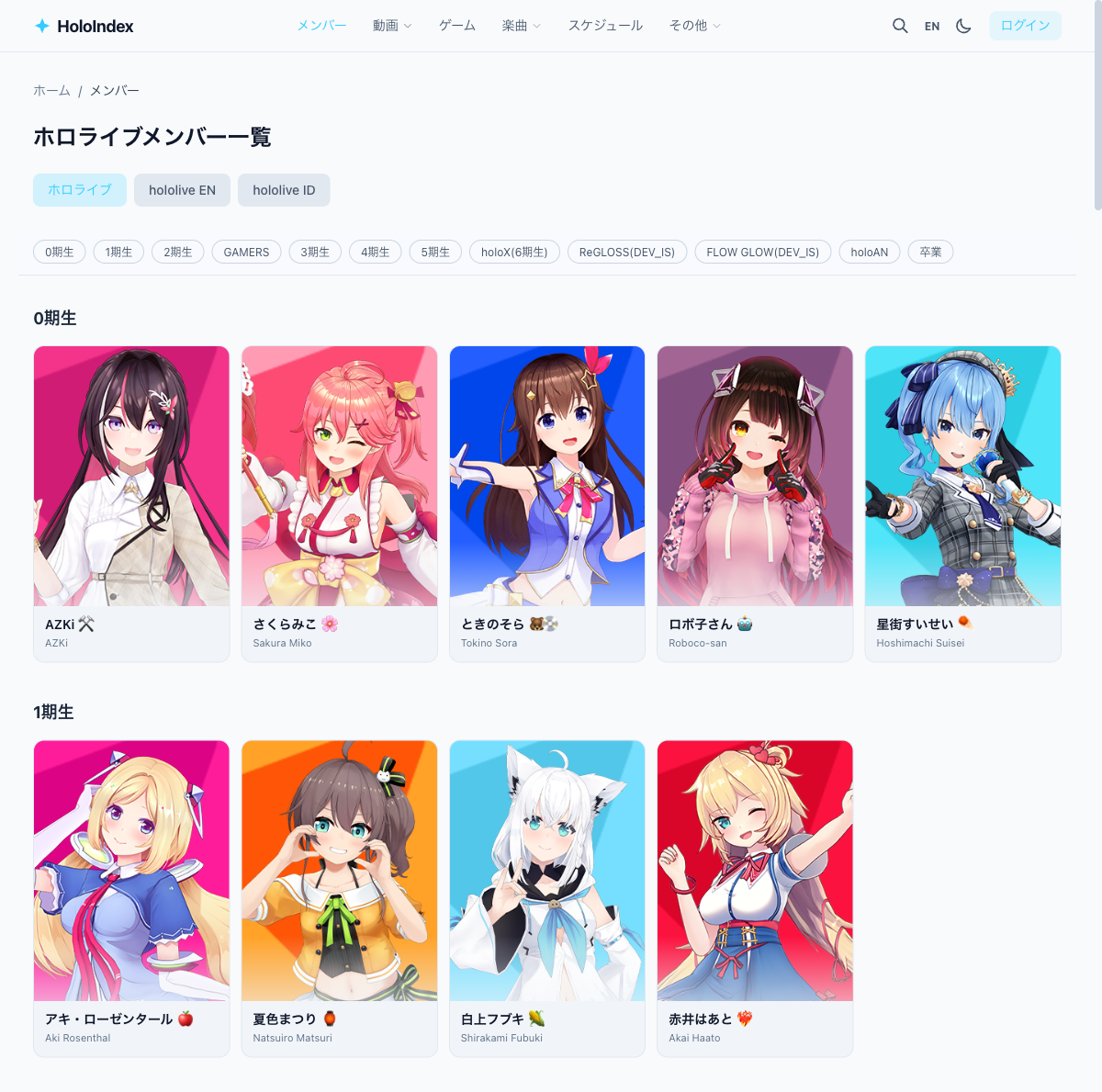
Browse all members across JP, EN, ID, and DEV_IS branches. Use generation navigation to quickly find members, and explore their videos, clips, games, songs, and collaborators on detail pages.
1Open the members page
Click "Members" in the header to open the members page.
2Switch branches
Use the tabs at the top to switch branches. Generation navigation lets you quickly scroll to a specific generation.
3View member details
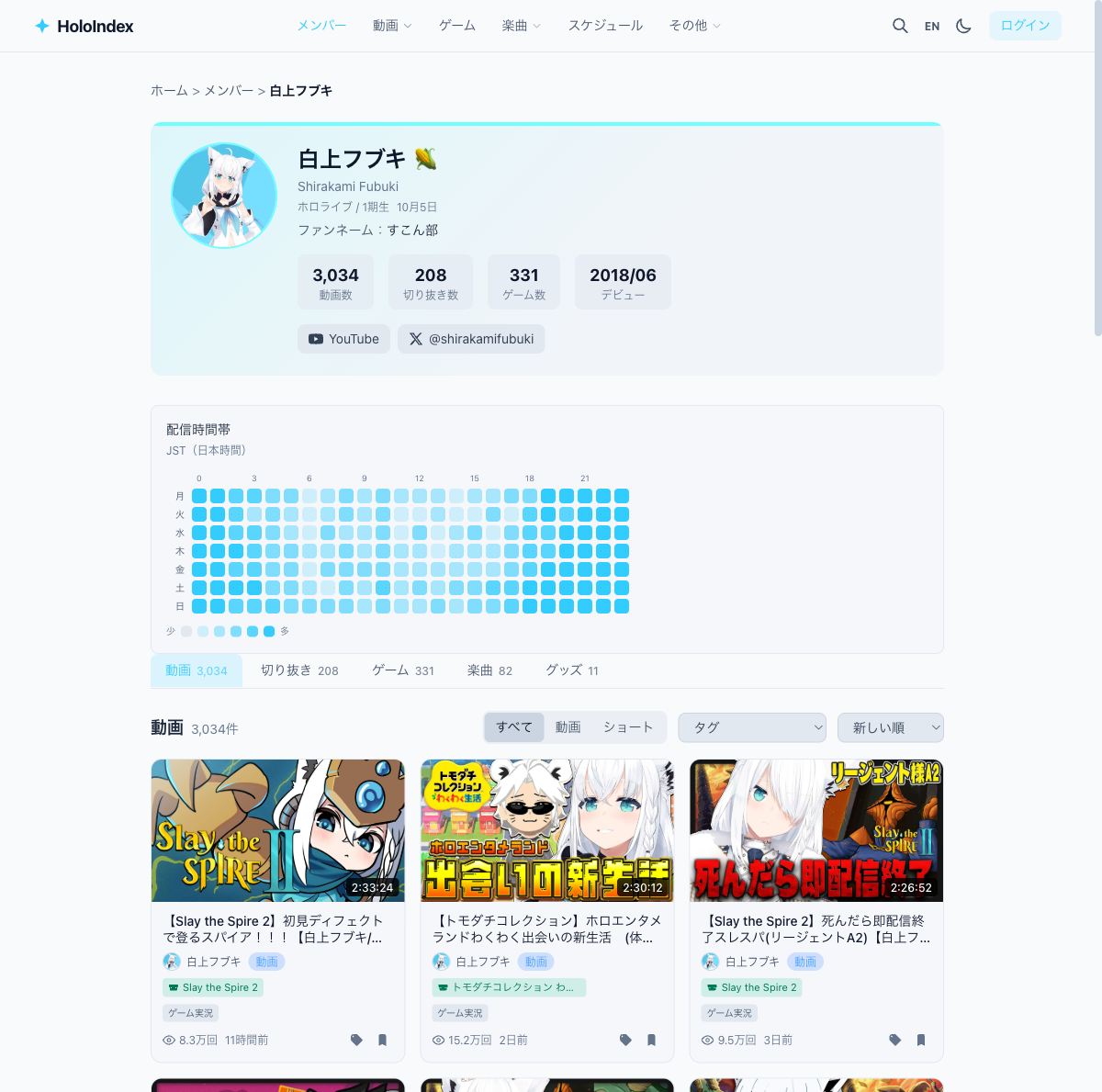
Click a member card to open their detail page with profile info, stream heatmap, and latest videos.
4Detail page sections
The detail page provides various information about the member.
- • Stream heatmap — Activity pattern by day and time at a glance
- • Videos — Stream videos and shorts
- • Clips — Clips featuring this member
- • Games — Games they played
- • Songs — MVs and covers they sang
- • Collabs — Members they collaborated with
5Check activity stats
Video count, clip count, game count, and debut date are shown next to the profile. Links to YouTube and X are also available.