Goods
Browse hololive merchandise by category and member. Use the watchlist feature to bookmark items you're interested in.
1Open the goods page
Click "More" ▼ → "Goods" in the header.
2Browse goods
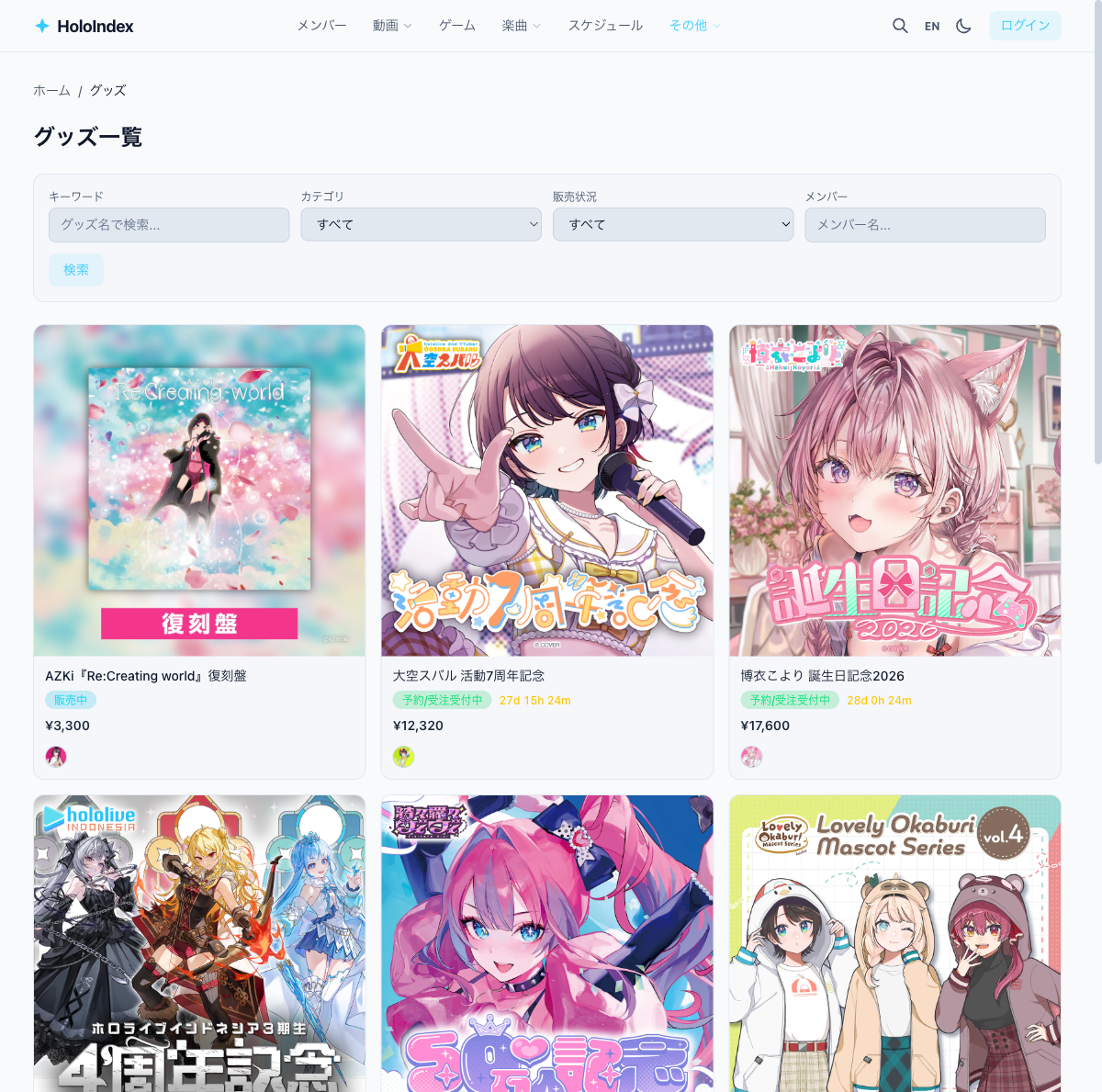
Goods are displayed as cards with images, names, prices, and sales status.
3Filter goods
- • Category — Filter by acrylic stands, badges, etc.
- • Member — Show a specific member's goods
- • Status — Filter by sales status