Clips
Browse clips aggregated from multiple clip channels. Members are automatically detected and linked.
1Open the clips page
Click "Videos" in the header, then select "Clips" from the dropdown.
2Browse clips
Clips from multiple channels are shown sorted by newest. Featured members are automatically detected and linked.
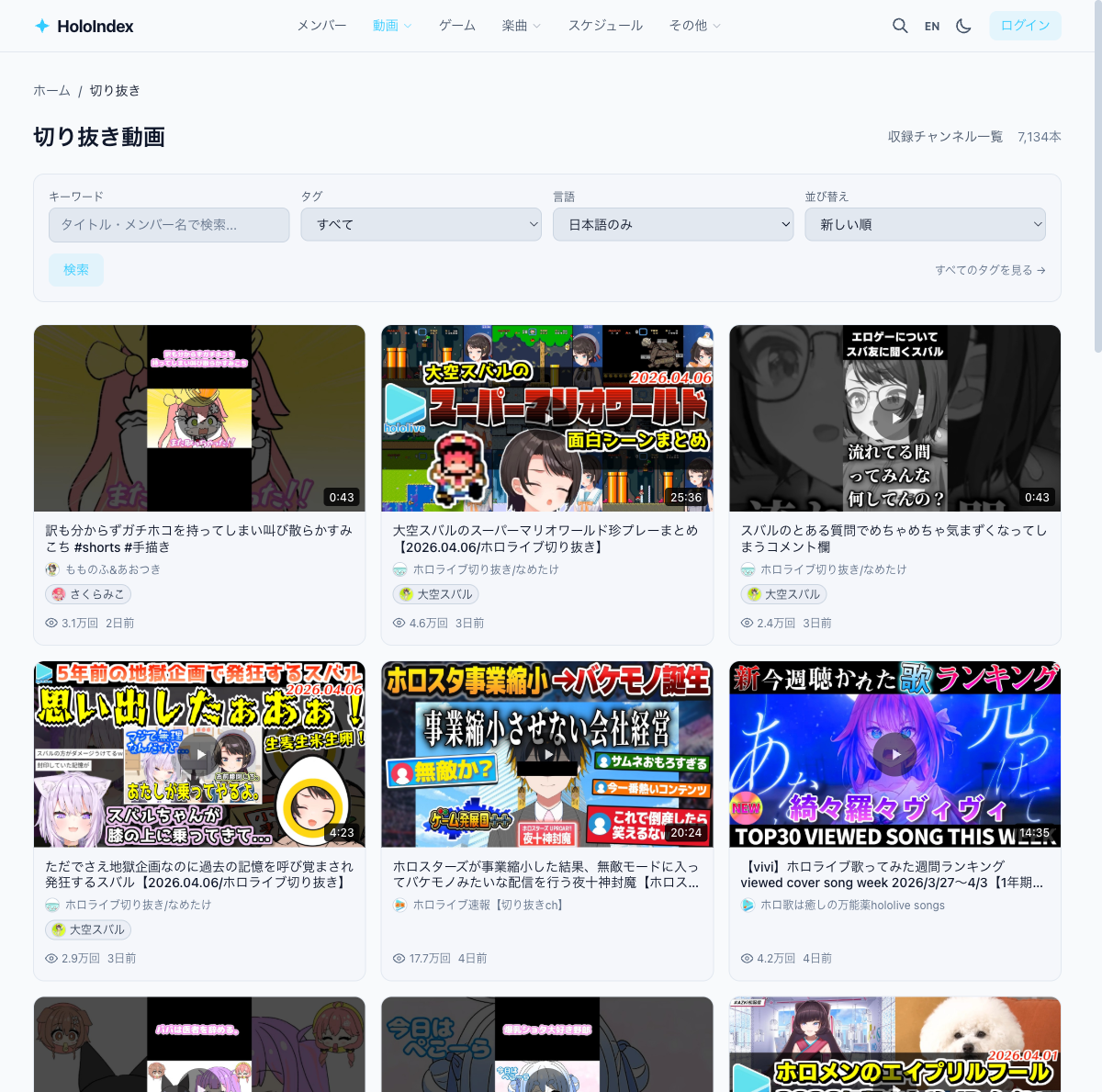
3Filter clips
Use filters to find the clips you want.
- • Member — Show clips of your favorite only
- • Japanese only — Limit to Japanese clip channels
- • Tag — Filter by tags like "karaoke" or "game"
- • Sort — Switch between newest and most viewed
4Link to source videos
When a clip is linked to its source stream, a link to the original video is shown. Check out the original stream if a clip catches your interest.